
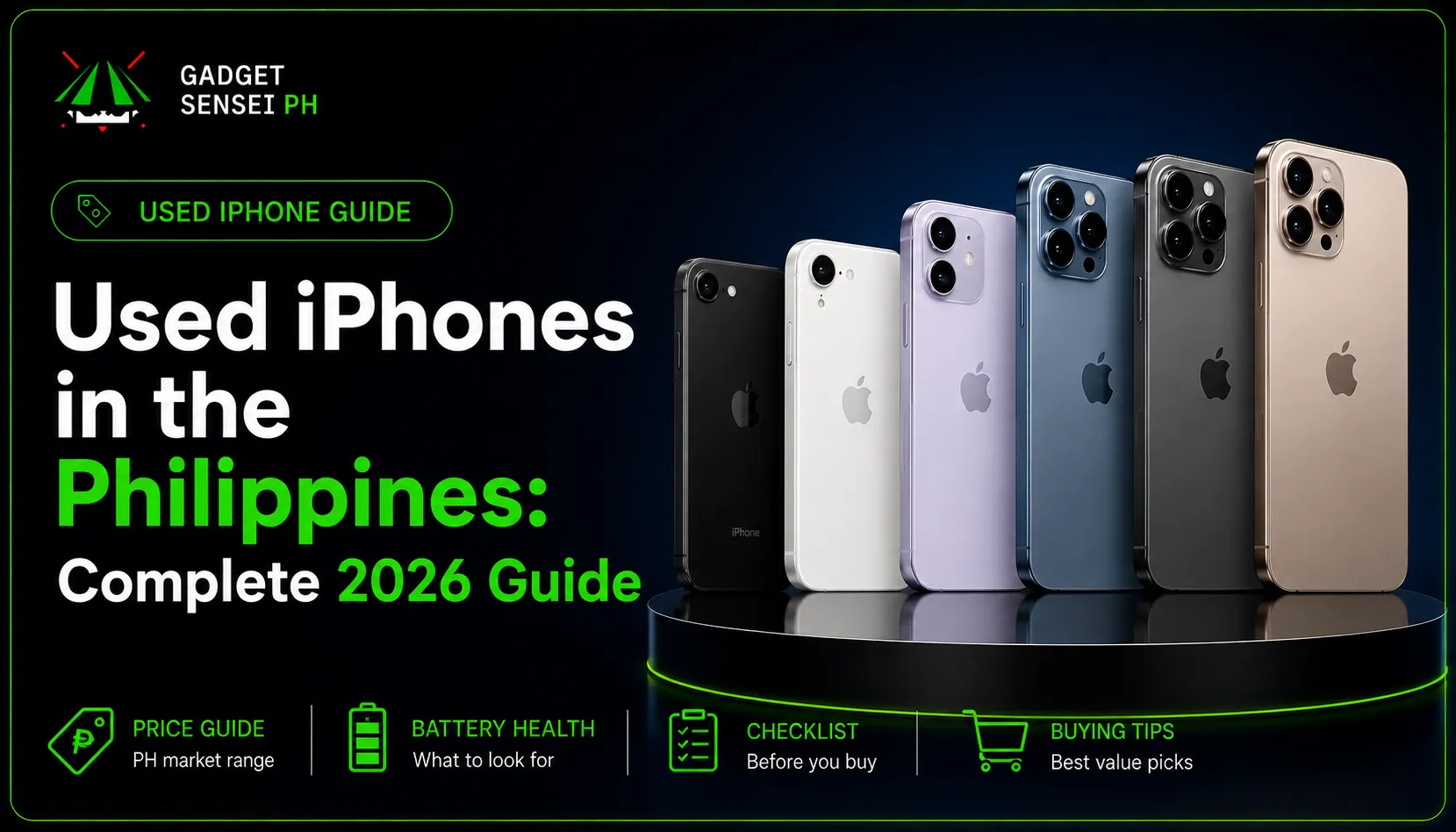
Buying a used iPhone in the Philippines can be one of the smartest ways to get a better Apple device without paying full brand-new pricing. New iPhones can be expensive, and many Filipino buyers prefer pre-owned units because they can get a higher model, better camera, better storage, or better overall value for less.
But buying used also has risks.
A used iPhone can look clean in photos but still have hidden issues like weak battery health, iCloud lock, Face ID problems, replaced parts, unknown repair history, screen issues, charging problems, network lock, or blacklisted IMEI.
This guide will help you buy a used iPhone safely in the Philippines. We will cover what to check before buying, how to inspect the unit, how to avoid scams, where to buy, what battery health is good, how to check iCloud and IMEI, and when it is better to buy brand new instead.
If you want checked pre-owned options, you can also compare available units from Gadget Sensei PH’s pre-owned iPhone collection.
Choose iPhone 13 if:
- You want the lower price
- You mostly play casual games
- You want good enough performance
- You are okay with a pre-owned unit
- Battery health is still good
Choose iPhone 14 if:
- You want a newer budget option
- You want better long-term value than iPhone 13
- You play games more often
- You want a cleaner balance of performance and price
Gaming tip: choose iPhone 13 if you want the cheaper pre-owned gaming option. Choose iPhone 14 if the price gap is reasonable and you want a newer, cleaner balance for games and daily use.
New iPhone vs Used iPhone: Which Should You Buy?
Before buying, decide if you really need brand new or if used is enough for your needs.
A brand-new iPhone is better if you want the safest purchase. You get fresh battery health, warranty confidence, no previous owner history, and fewer risks.
A used iPhone is better if you want stronger value. You can often get a higher model for a lower price compared to buying brand new.
Fresh Battery
Brand NewNo previous battery wear.
Lower Price
Used iPhoneMore affordable upfront.
Warranty Confidence
Brand NewClearer warranty coverage.
Better Specs For Budget
Used iPhoneCan get a higher model for less.
Less Risk
Brand NewNo repair or owner history.
Practical Value
Used iPhoneStrong option if properly checked.
Long-Term Peace Of Mind
Brand NewBetter for buyers who hate risk.
Tight Budget
Used iPhoneBetter options for limited budget.
Simple guide: choose brand new if you want less risk, fresh battery, and warranty confidence. Choose used iPhone if you want lower price, better specs for your budget, and practical value after proper checking.
Buy brand new if you want peace of mind.
Buy used if you want value and are willing to check the unit properly.
For a deeper comparison, read our brand new vs second hand iPhone guide.
Best Used iPhone Models to Consider in 2026
The best used iPhone depends on budget, condition, battery health, storage, and how long you plan to use it.
Here is a simple guide:
iPhone 11 / 12 Series
Best For: Tight budgetBuy only if price and battery health are fair.
iPhone 13 Series
Best For: Best budget valueStill practical for students and casual users.
iPhone 14 Series
Best For: Balanced used iPhone pickGood mix of price, camera, and performance.
iPhone 15 Series
Best For: Modern pre-owned valueUSB-C and Dynamic Island make it feel newer.
iPhone 16 Series
Best For: Higher-end used or brand-new optionBetter long-term pick if budget allows.
Pro / Pro Max Models
Best For: Camera, battery, power usersCheck battery, screen, camera, and repair history carefully.
Simple guide: newer models usually feel safer for long-term use, but pre-owned value still depends on actual price, battery health, storage, condition, and seller support.
For most budget buyers, iPhone 13 and iPhone 14 are still practical. For buyers who want a more modern feel, iPhone 15 is a strong used iPhone choice because it already has USB-C and Dynamic Island. For buyers who want long-term use and newer features, iPhone 16 or newer models are better if budget allows.
If your budget is under ₱25,000, check our best budget iPhone under ₱25,000 guide.
10 Things to Check Before Buying a Used iPhone
Do not buy a used iPhone based on photos alone. Always inspect the actual unit.
Here are the most important things to check:
1. IMEI and serial number
Go to Settings > General > About and check the IMEI, serial number, model name, and storage.
Also compare the IMEI with the box or receipt if available. If the IMEI does not match, that is a red flag.
Ask the seller to allow you to check the IMEI before payment. A legit seller should not refuse.
2. iCloud and Activation Lock
The previous owner must remove their Apple Account before you buy.
Apple warns buyers not to take ownership of a used iPhone if it is protected by Activation Lock. On iOS 15 or later, an Activation Locked device may show an “iPhone Locked to Owner” screen.
Do not buy if:
The seller says they forgot the Apple ID password
The iPhone asks for the previous owner’s Apple ID
Find My is still on
The seller says they will remove iCloud later
The phone cannot be activated after reset
The seller must sign out before final payment.
3. Battery health
Go to Settings > Battery > Battery Health & Charging and check Maximum Capacity.
Simple guide:
90% and above: Very good
85% to 89%: Still okay for many buyers
80% to 84%: Usable, but price should be lower
Below 80%: Risky unless battery replacement is planned
Apple explains that iPhone batteries are consumable components and that maximum battery capacity goes down as the battery chemically ages.
For a deeper guide, read our used iPhone battery health guide.
4. Screen condition
Check the screen carefully.
Look for:
Cracks
Deep scratches
Dead spots
Green or white lines
Flicker
Ghost touch
Uneven brightness
Yellow or blue tint
Screen lifting
Weak touch response
Drag an app icon across the whole screen to test touch. If it jumps, stops, or moves on its own, there may be touch issues.
5. Face ID or Touch ID
Face ID should set up and unlock normally.
Go to Settings > Face ID & Passcode and test it. If Face ID is not available, think carefully before buying.
Face ID issues can affect convenience, security, and resale value.
6. True Tone
Go to Settings > Display & Brightness and check if True Tone appears.
Missing True Tone can sometimes suggest a replaced display or display-related issue. It does not always mean the screen is bad, but it should make you inspect the display more carefully.
7. Parts and Service History
Go to Settings > General > About and check if Parts and Service History appears.
Apple says iPhones can show Parts and Service History on supported models and iOS versions. It may show if parts are genuine, used, or unknown. Apple also notes that an Unknown part can affect the trade-in value of the device.
Be careful if you see:
Unknown Battery
Unknown Display
Unknown Camera
Unclear repair history
Seller refuses to explain repairs
A replaced part is not always bad, but it should be disclosed and reflected in the price.
8. Camera, speaker, microphone, and charging
Test all daily-use features:
Rear camera
Front camera
Ultra-wide camera if available
Video recording
Flash
Focus
Voice memo
Loudspeaker
Earpiece speaker
Microphone during calls
Charging cable
Charging port stability
Wireless charging if supported
A phone can look clean but still have camera shake, weak microphone, or loose charging port.
9. SIM, WiFi, Bluetooth, and carrier lock
Insert your SIM if possible.
Check:
Signal bars
Call function
SMS
Mobile data
WiFi connection
Bluetooth connection
Carrier lock status
Apple says you can check if an iPhone is unlocked by going to Settings > General > About and looking for No SIM restrictions next to Carrier Lock.
If the phone is locked to a carrier and you need openline use, do not buy unless you fully understand the limitation.
10. Physical condition and water damage signs
Inspect the body carefully.
Check:
Frame dents
Back glass cracks
Camera glass cracks
Screen lifting
SIM tray area
Charging port corrosion
Moisture inside camera lens
Buttons that feel stuck
Uneven screen gaps
Signs of previous opening
Minor scratches can be okay if the price is fair. But water damage, screen lifting, heavy dents, or bent frames are serious warning signs.
Used iPhone Inspection Checklist: Pass, Warning, or Avoid?
iCloud
PassSigned out and reset-ready
WarningSeller needs time to remove
AvoidActivation Lock remains
Battery
Pass85% and above
Warning80% to 84%
AvoidBelow 80% with high price
Face ID
PassWorks normally
WarningWorks sometimes
AvoidFace ID not available
Screen
PassSmooth touch everywhere
WarningMinor scratches only
AvoidGhost touch, lines, dead spots
Parts History
PassNo suspicious warning
WarningRepair clearly explained
AvoidUnknown part with no explanation
Camera
PassClear photos and videos
WarningMinor cosmetic lens marks
AvoidBlurry, shaking, or broken camera
Charging
PassStable charging
WarningPort feels loose
AvoidDisconnects often
SIM
PassReads SIM and gets signal
WarningNeeds more testing
AvoidNo signal or locked without disclosure
For a detailed inspection flow, read our used iPhone inspection checklist.
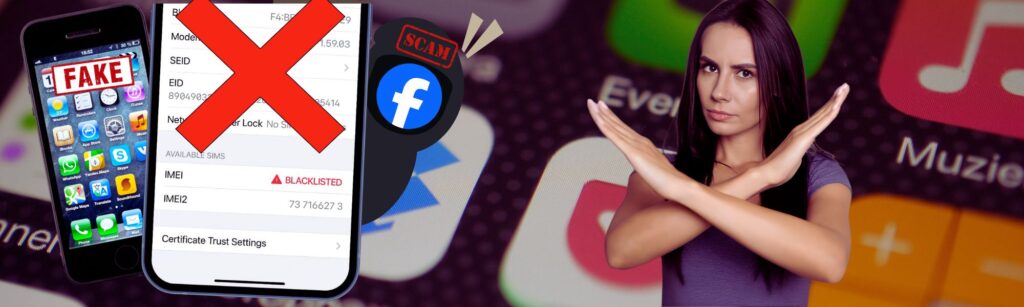
Major Red Flags When Buying a Used iPhone
Avoid or think twice if you see these signs:
- Price is too low compared to normal market value
- Seller refuses to show IMEI
- Seller refuses testing
- Activation Lock is still on
- Apple Account is still signed in
- Battery health is very low
- Face ID does not work
- Screen has ghost touch or lines
- Parts History shows unknown parts with no explanation
- SIM signal does not work
- Charging port disconnects
- Camera is blurry or shaking
- IMEI does not match the box or receipt
- Seller rushes the payment
- Seller only wants shipping without proper verification
- Seller gives vague stories about ownership
The biggest red flag is not just one issue. It is when the seller hides the issue or refuses to let you test the phone.
Where to Buy Used iPhones in the Philippines
There are several places to buy used iPhones in the Philippines. Each has pros and cons.
1. Trusted gadget stores
This is usually safer than buying from random private sellers because stores can provide clearer listings, condition details, and support.
At Gadget Sensei PH, you can compare pre-owned iPhones by model, storage, condition, and availability.
2. Greenhills and mall gadget shops
Greenhills and other mall gadget shops can have many second-hand iPhones. The advantage is you can inspect the unit in person. The risk is that not all sellers have the same standards, so you still need to test everything.
Ask about:
Battery health
Warranty
Repair history
Openline status
iCloud removal
Replacement parts
Return or service support
3. Facebook Marketplace and private sellers
This can be cheaper, but risk is higher.
Only consider this if:
You can meet in a safe public place
You can test the phone fully
The seller shows valid details
The seller is not rushing you
You can verify IMEI and iCloud status
You do not pay before checking the unit
Avoid shipping-only deals from unknown sellers.
4. Shopee, Lazada, and online shops
Online platforms can be convenient, but be careful with random listings.
Check:
Seller ratings
Actual reviews
Return policy
Warranty terms
Real photos
Clear product condition
Whether the seller is a legit store
Do not rely only on product photos. Ask questions before ordering.
5. Trade-in and upgrade stores
Some stores accept old devices for trade-in. This can be useful if you want to upgrade from an older iPhone.
Power Mac Center’s UpTrade program lets customers check device value online, complete diagnostic steps, then proceed to a store for final trade-in value confirmation.
Beyond the Box also has BoxTrade with estimated trade-in values shown on its page, but actual final values can still depend on unit condition and store assessment.
Trade-in values change, so always check the latest rate before deciding.
How to Check IMEI Before Buying a Used iPhone
IMEI checking is one of the most important steps before buying.
Here is a simple process:
- Open Settings > General > About.
- Find the IMEI and serial number.
- Dial *#06# to confirm the IMEI.
- Compare the IMEI with the box or receipt if available.
- Check the model name and storage.
- Insert your SIM and test signal.
- Ask the seller if the phone is factory unlocked or carrier locked.
- Walk away if the IMEI does not match or the seller refuses checking.
Important note: Apple’s warranty or coverage check can help confirm device support details, but it does not guarantee that the phone is not stolen or blacklisted. You still need to inspect the seller, IMEI consistency, SIM signal, and ownership details.
Factory Unlocked vs Network-Locked iPhones
A factory unlocked iPhone can usually work with different carriers.
A network-locked iPhone may only work with a specific carrier unless officially unlocked.
Before buying, go to:
Settings > General > About > Carrier Lock
If it says No SIM restrictions, the iPhone is unlocked. Apple’s support page also uses this same check when explaining carrier unlock status.
Be careful with:
Globe-locked units
Smart-locked units
US carrier-locked units
Unofficially unlocked phones
BT or BYP units
Phones that only work with one SIM
Sellers who cannot explain lock status
For local buyers, openline or factory unlocked units are usually safer and easier to resell.
Overseas iPhones: What PH Buyers Should Know
Many used iPhones in the Philippines come from other countries. Some are fine, but you should know what to check.
Japan models
Japan iPhones may have a camera shutter sound that cannot be fully silenced in certain situations. Some buyers do not mind, but others find it annoying.
US models
Some US models may be eSIM-only, depending on the generation and version. If you need a physical SIM slot, check before buying.
Also check carrier lock status. A US carrier-locked iPhone can be a problem if it is not officially unlocked.
Hong Kong or China models
Some models may have different SIM configurations. Always check the exact model number and make sure it fits your needs.
Middle East or other imported units
Most can work fine if unlocked, but always check region, FaceTime availability if relevant, warranty expectations, and SIM compatibility.
Simple advice: ask for the model number and verify the unit before buying.
Used iPhone Price Guide in the Philippines
Used iPhone prices change often based on model, storage, battery health, condition, color, warranty, and demand.
Instead of relying on fixed prices, use this decision guide:
Much cheaper than normal
Possible issue, scam, locked unit, or urgent sale.
Slightly cheaper than average
Can be good if condition is clean.
Same as average
Compare battery, storage, and warranty.
Higher than average
Should have better condition, higher storage, or warranty support.
Too close to newer model price
Consider the newer model instead.
Simple guide: do not judge by price alone. A used iPhone should match its condition, battery health, storage, warranty support, and seller reliability.
Before paying, compare:
Model
Storage
Battery health
Physical condition
Repair history
Warranty support
Included accessories
Seller reputation
Current market availability
A cheaper iPhone is not always the better deal. A clean unit with better battery health and support can be worth paying more for.
What Battery Health Is Good for a Used iPhone?
Battery health is one of the biggest factors when buying used.
For most buyers:
90% and above
Very good
85% to 89%
Still good for many users
80% to 84%
Usable, but price should be lower
Below 80%
Battery replacement may be needed soon
For students, commuters, gamers, online sellers, and heavy users, battery health matters a lot. A phone with weak battery health may drain faster and need charging more often.
Important: do not buy a low-battery unit at clean-unit pricing.
Used iPhone Storage: 64GB, 128GB, 256GB, or 512GB?
Storage matters because you cannot upgrade it later.
64GB
Only consider this for very light users or backup phones. For 2026, 64GB can feel limited because apps, system data, photos, videos, and chats can fill it quickly.
128GB
Good for most casual users. This is enough for social media, messaging, banking apps, streaming, school apps, and light photos.
256GB
Best balance for many buyers. Choose this if you take many photos, record videos, play games, or plan to keep the iPhone longer.
512GB and higher
Best for creators, heavy video users, gamers, or buyers who store many files offline.
For a full breakdown, read our iPhone storage size guide.
Trade-In or Swap iPhone in the Philippines
You can trade in or swap your iPhone in the Philippines through selected stores and programs, but the value depends on model, battery, screen, condition, repairs, and current promos.
Trade-in can be useful if:
You want to upgrade
You do not want to sell privately
You prefer store credit
Your iPhone is still in good condition
You want a safer process
Before trading in:
Back up your data
Sign out of iCloud
Turn off Find My
Erase the phone
Prepare your valid ID
Bring the box or receipt if available
Check different trade-in offers
Apple has an official guide on preparing an iPhone for trade-in, including protecting personal information before sending or handing in the device.
Trade-in is convenient, but private selling can sometimes give a higher price. Compare before deciding.
Photos and Screenshots to Request from Online Sellers
If you are buying online, ask for clear photos and screenshots before meeting or paying.
Request:
- Settings > General > About
- Battery Health screen
- Carrier Lock status
- Parts and Service History
- Front photo with screen on
- Front photo with screen off
- Back photo
- Side and frame photos
- Camera lens close-up
- Charging port close-up
- Box and receipt if available
- Video showing Face ID and camera working
- Video showing iCloud sign-out if needed
This does not replace in-person inspection, but it helps filter risky sellers early.
Common Scams When Buying Used iPhones
Be careful with these common scams:
Non-delivery scam
Seller asks for full payment first, then never ships the phone.
Avoid by buying from trusted sellers or using safe payment methods.
Switcheroo
Seller shows a working unit, then switches it with another unit during payment or packing.
Keep the phone in sight until the deal is done.
Fake receipt
Some sellers show fake or mismatched receipts.
Always compare IMEI, serial number, model, and storage.
Locked iPhone scam
Seller says the iPhone only needs a reset, but it is actually Activation Locked.
Do not buy if the previous Apple Account is still connected.
Too-cheap listing
If the price is far below normal market value, assume there is a reason.
It may be stolen, blacklisted, damaged, locked, or fake.
BYP or bypassed unit
Avoid units advertised as bypassed, BYP, or anything that suggests unofficial unlocking or account bypassing. These can stop working or lose features later.
Final Used iPhone Buying Checklist
Before paying, check:
IMEI and serial number
Model and storage
iCloud / Apple Account removed
Activation Lock off
Battery health
Face ID or Touch ID
True Tone
Screen touch
Screen lines or flicker
Parts and Service History
Camera and flash
Speaker and microphone
Charging port
SIM signal
Carrier Lock status
WiFi and Bluetooth
Buttons and vibration
Physical condition
Warranty or seller support
Price vs condition
Do not rush. If the seller does not allow proper testing, walk away.
Final Recommendation
A used iPhone in the Philippines can be a very good buy if you choose carefully.
Buy used if:
You want better value
You want a higher model for less
You are okay with pre-owned condition
You can inspect the unit properly
The seller is trusted
Battery health and condition are good
Buy brand new if:
You want fresh battery
You want warranty confidence
You want no previous owner history
You want lower risk
You plan to keep the phone long-term
For most Filipino buyers, the best used iPhone is not always the cheapest one. It is the unit with the best balance of price, battery health, storage, condition, warranty support, and seller trust.
If you want checked options, compare available pre-owned iPhones in the Philippines from Gadget Sensei PH.
Frequently Asked Questions
Is it safe to buy a used iPhone in the Philippines?
Yes, it can be safe if you buy from a trusted seller and check the unit properly. Always check iCloud status, IMEI, battery health, screen condition, Face ID, camera, charging port, SIM signal, and seller support before paying.
What should I check before buying a used iPhone?
Check IMEI, iCloud / Activation Lock, battery health, Face ID, True Tone, screen condition, Parts and Service History, camera, speaker, microphone, charging port, SIM signal, WiFi, Bluetooth, storage, and physical condition.
How do I check if a used iPhone is iCloud locked?
Turn on the iPhone and check if it asks for the previous owner’s Apple ID. Also ask the seller to sign out of iCloud and turn off Find My before payment. Do not buy if Activation Lock remains.
What battery health is good for a used iPhone?
For a used iPhone, 90% and above is very good, 85% to 89% is still okay for many buyers, 80% to 84% is usable if discounted, and below 80% may need battery replacement soon.
How do I check if an iPhone is factory unlocked?
Go to Settings, tap General, then About. Look for Carrier Lock. If it says No SIM restrictions, the iPhone is unlocked. You should also insert your own SIM and test calls, text, and mobile data.
Is it okay to buy a used iPhone with replaced parts?
It can be okay if the replacement is clearly disclosed, the part works properly, and the price is lower. Be careful with Unknown Part warnings, unclear repair history, or sellers who refuse to explain repairs.
Where can I buy used iPhones in the Philippines?
You can buy from trusted gadget stores, mall shops, selected online stores, and private sellers. For less risk, choose a seller that allows inspection, explains condition clearly, and provides support. You can also check Gadget Sensei PH’s pre-owned iPhone collection.
Should I buy used iPhone or brand new iPhone?
Buy used if you want better value and are okay checking the unit carefully. Buy brand new if you want fresh battery, warranty confidence, and lower risk.
Is 64GB enough for a used iPhone in 2026?
64GB is only okay for very light users or backup phones. For most buyers, 128GB is the better minimum, while 256GB is safer for photos, videos, games, and long-term use.
What is the biggest red flag when buying a used iPhone?
The biggest red flag is a seller who refuses proper testing or cannot remove the previous Apple Account. Other serious red flags include mismatched IMEI, Activation Lock, very low battery health, Face ID issues, unknown parts with no explanation, and prices that are too good to be true.