
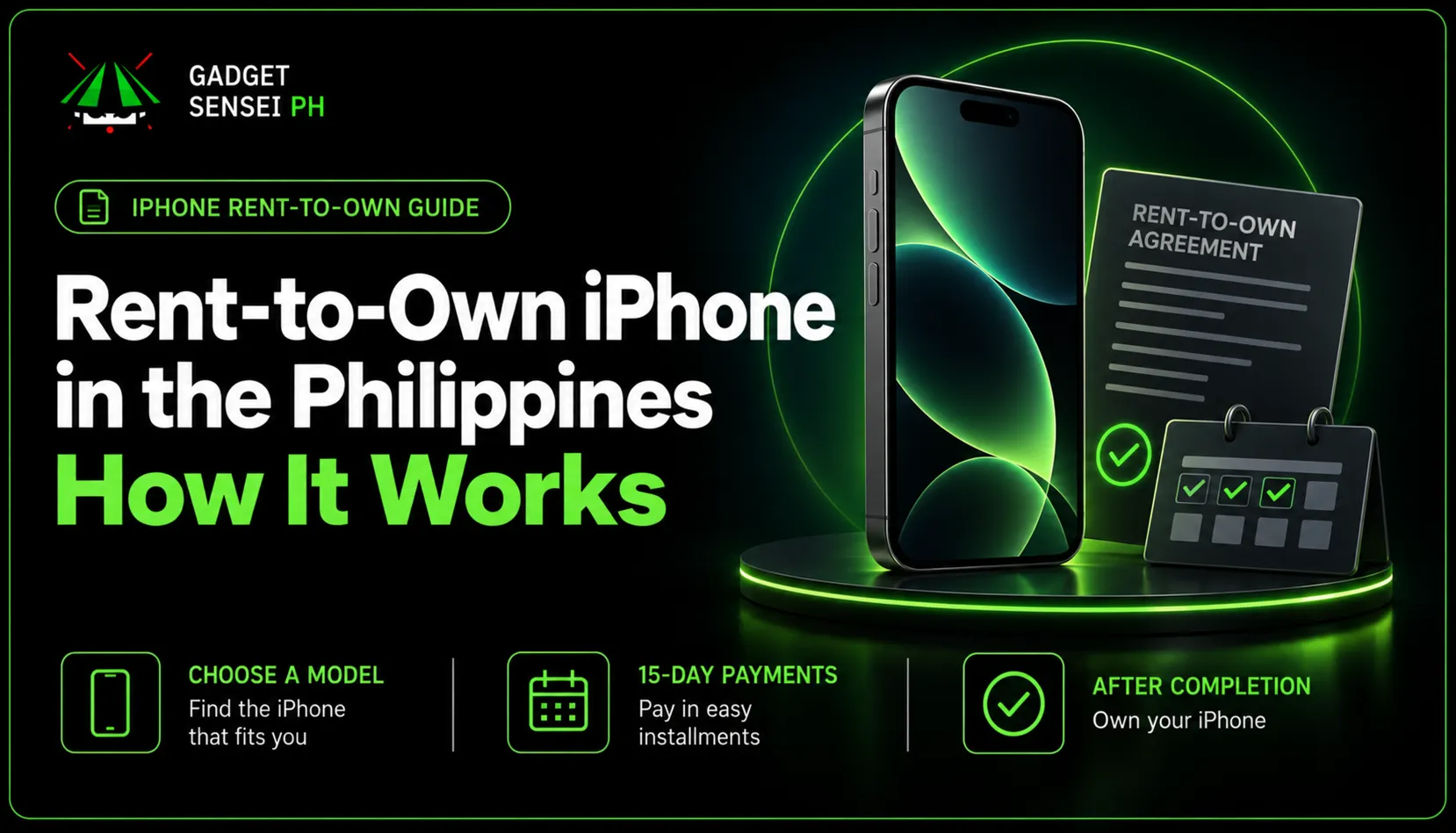
Want an iPhone without paying its full purchase price at once? Gadget Sensei PH can help you check a current rent-to-own offer. If your application is approved, you take home the iPhone, make payments every 15 days during a six-month rental, and become its owner after successfully completing the contract.
- 6-month rental
- Pay every 15 days
- Subject to approval
How to get your iPhone
- 01
Choose an iPhone

Tell us the model and storage you want.
- 02
Check the Offer
Ask for the current price and payment details.
- 03
Apply
Fill out the application form.
- 04
Customer Service Calls
After applying, you’ll receive a call explaining the requirements, payments and contract. You can ask questions before signing.
- 05
Receive Your iPhone
Once approved, complete the requirements and arrange store pickup or eligible delivery.
- 06
Complete Your Payments
Pay every 15 days during the six-month plan. Ownership transfers after successful completion under the contract.


Ask about a model
Message us with the iPhone and storage you want. We’ll help you check the current offer.
Prices and availability vary. Applying does not guarantee approval.What Is iPhone Rent-to-Own?
Rent-to-own lets you use an iPhone while you pay for it under a rental agreement. You do not buy it outright on the day you receive it. For this offer, the rental runs for six months with payments every 15 days. If you make the required payments and meet the agreement’s completion terms, ownership transfers to you.
That is different from paying the full retail price at checkout. It is also important to check the total cost of the rental, not just the amount due every 15 days. The exact deposit, any advance rent, rental amounts and charges come from the written offer for your chosen model and storage.
Payment Details
Ask for the written figures for your exact iPhone. You should be able to see what is due before handover, each 15-day payment, the due dates, and the amount you would pay across the full plan.
Compare the total with your budget before signing. The amounts may change with the model, storage and approved offer.

Security deposit
This is separate from rent and cannot cover a missed rental payment. If you complete the plan and meet the contract terms, it counts as the purchase price.

Advance rent, if required
Some offers may require rent before you receive the iPhone. Ask whether yours does and how much is due at the start.

Rent every 15 days
Your own written schedule gives the amount and dates. Check the first due date and keep a copy of that schedule.

Total cost
Add the deposit, any advance rent and all scheduled rent. Ask which late or other conditional charges could apply.
There is no single price that fits every iPhone. A retail listing on our website does not confirm that the same unit or price is available for rent-to-own.
How to Apply
Tell us the model and storage you want, and ask whether there is a current rent-to-own offer for it. We can explain how to access the current application form. Submit your details through that approved route.
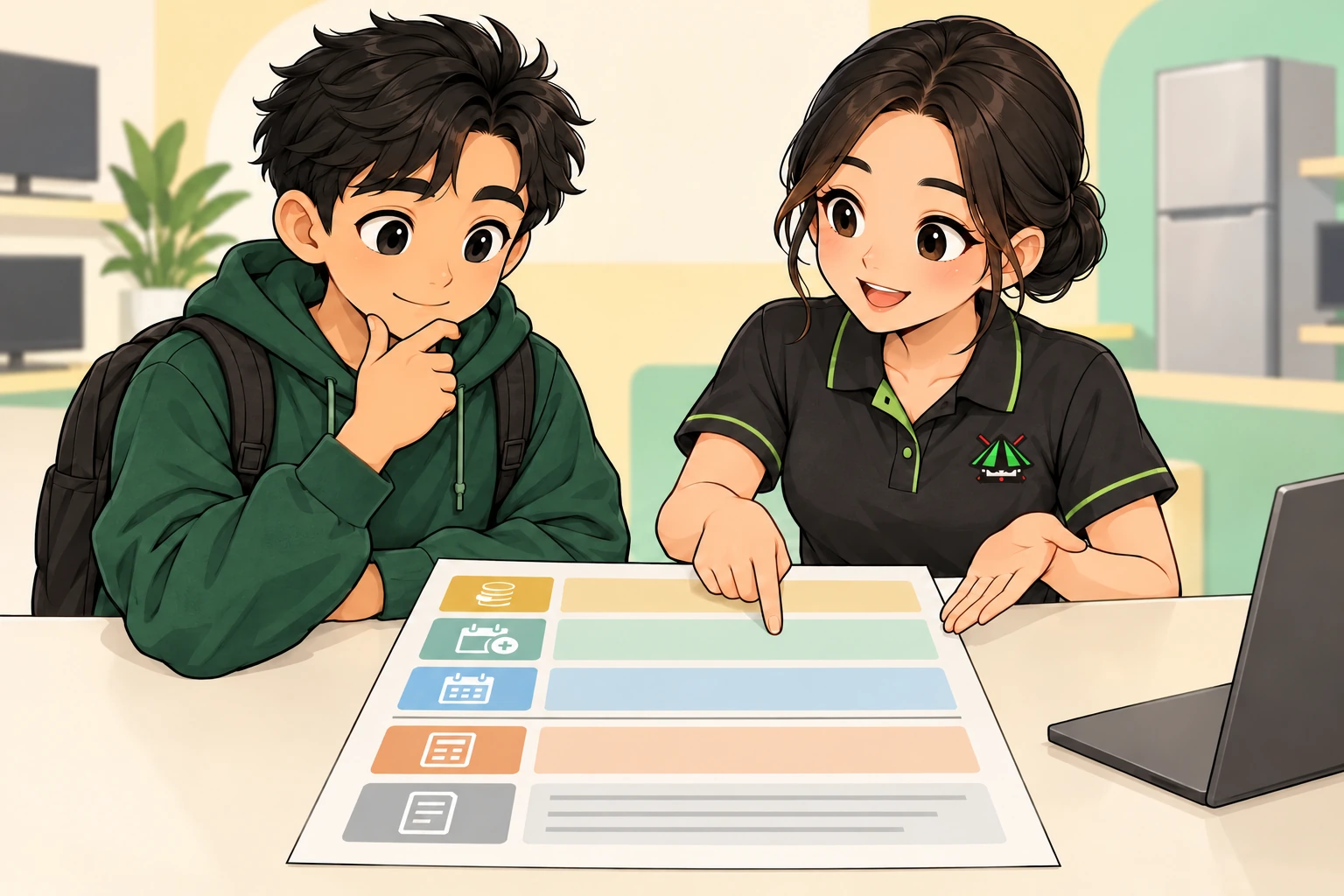
After you apply, a customer-service representative will call to explain the requirements, payment schedule, contract and next steps. Use the call to ask about any amount or condition you do not understand. Your application still needs approval before handover is arranged.
You can message GSPH first if you are unsure which iPhone to ask about. We can help you narrow down the model and tell you what offer details to request.

Before Signing the Contract
Read the actual offer and agreement together. Check the exact model and storage, deposit, any advance rent, every due date, total cost, and what happens if a payment is late. Make sure the device condition and handover arrangements match what you discussed.
The rental agreement names X168 RENTAL as the lessor. That is the party named in the contract, so read its terms and ask about anything unclear before you sign. GSPH can help with your enquiry and explain the next steps, but the signed agreement controls your rental obligations.
- 01Model and storage
- 02Amount due at the start
- 03Payment dates and total
- 04Device-use and return terms
The agreement says rent already paid is non-refundable. A late payment or other breach may lead to charges, device restrictions or a request to return the iPhone. It also sets responsibilities for loss, damage and repairs made without permission. Ask how these provisions apply to your offer.
The agreement also describes device management during the rental and says it does not view your photos, messages, contacts or calls. Ask what the management controls do and when they will be removed after completion. Do not rely on a verbal promise that differs from your written terms.
Walk-In or Delivery
Once your application is approved and the contract requirements are complete, arrange how you will receive your iPhone. Confirm the handover date and location before making the trip or expecting a delivery.

Store pickup
Arrange your visit to our Greenhills location. Check the model, storage, condition and included items against your agreement before you leave.

Eligible delivery
Ask whether delivery is available for your rental and address. Confirm any fee, identity check and handover steps. Normal store shipping options do not automatically apply to rentals.

Before accepting the device, ask what warranty or repair support applies and keep copies of the handover record. If something is wrong with the unit, report it through the contact route in your agreement and tell GSPH so we can help direct your enquiry.
During Your Payment Plan
Pay according to the dates and amounts on your own six-month schedule. The general cadence is every 15 days, but your first due date and exact amount come from your written offer. Keep each receipt or payment confirmation until the account is fully settled.
If a payment may be late, ask for help promptly using the contact information in your signed agreement. Late payments can add charges and may affect use of the iPhone under the contract. Do not assume that your deposit can cover a missed payment.
Keep the device in good condition and check the agreement before arranging a repair or transfer. The agreement describes device-management restrictions during the rental; ask about those controls before you sign rather than waiting for a problem.
After Completing Your Payments
When you finish the six-month plan and meet the contract terms, the deposit counts as the purchase price and ownership transfers to you. Keep proof of your final payment and ask for written confirmation that the account is complete.
Also ask when any rental-related device management will be removed. Completion of the payments and removal of the controls may be separate steps, so use the process stated in your agreement.
Common Questions
Is rent-to-own the same as buying an iPhone outright?
No. You use the iPhone during the rental and become its owner only after completing the payments and other contract conditions. Ask for the full cost so you can compare it with buying outright.
Does applying mean I am approved?
No. A submitted application still needs review. The follow-up call explains the requirements and terms; you can ask questions before signing.
Can the security deposit cover a missed payment?
No. The deposit is separate from the rent you pay every 15 days.
What if I miss a payment?
Contact support through the route in your signed agreement as soon as possible. The agreement explains the charges and possible device restrictions or return requirements.
Can I choose any iPhone from the website?
No. Our retail collection is useful for choosing a model, but a listing does not confirm rental eligibility, the current offer or stock. Ask us about your exact choice.
Can I pick up the iPhone or have it delivered?
Store pickup can be arranged after approval and the required contract steps. Delivery depends on the approved rental and your location; confirm any fee and handover requirements first.
Who can answer questions after I receive the iPhone?
Message GSPH for help finding the right contact. For payment, account or device-management instructions, use the official route stated in your signed agreement and keep your records handy.
This article explains the general process. Your written offer and signed agreement give the amounts, dates, provider and terms for your rental.